
 2:11
The Conversations API
Put conversation practice inside your product.
A practice room in your own app, one call a turn.
Your first practice room
The Conversations API
By ForeverLearning
Step 1 of 3: paste the prompt into your coding assistant, in an empty folder.
PROMPT in an empty folder, for any AI coding assistant
Goal: a practice page where a user rehearses a hard conversation
   with a character from the Conversations API, and sees the
   Coach's note beside the scene.
...
4. Show each reply from its saved conversation_turn event: each
   entry of the turn's cast (its display_name and text) in its own
   bubble under that name, and the Coach's note (the turn's
   coach.text) in a separate panel labelled Coach ...
5. Beside each character's line, show a face for that character
   ...
...
Rules:
- Keep the API key on the server, in the FOREVERLEARNING_API_KEY
   environment variable.
...
CHANGES your new folder, after the prompt
+ .gitignore
+ README.md
+ package.json
+ public/app.js
+ public/faces.js
+ public/index.html
+ public/style.css
+ server.ts
+ src/protocol.ts
+ tests/live-smoke.ts
+ tests/protocol.test.ts
+ tsconfig.json

$ npm install
$ npm start
Step 2 of 3: it builds the app: twelve files.
You said fifteen minutes. So... this is about Friday's migration, right?
Step 3 of 3: npm start. The room opens, and Jon speaks first, under his name, with his face.
You said fifteen minutes. So... this is about Friday's migration, right?
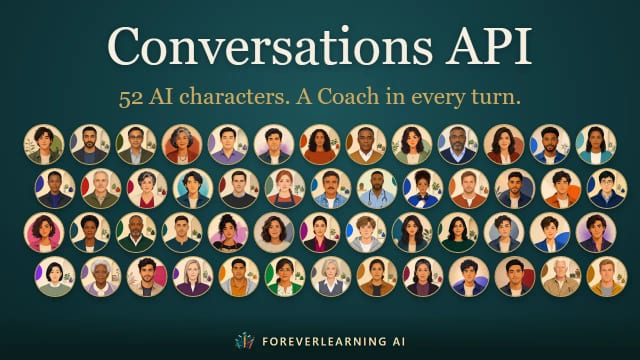
Jon is one of 52 characters. Each has a name, a role and a personality of their own.
What happened: Jon identified the Friday migration as the likely focus and asked for confirmation. Why it matters: Confirming the specific event can keep the feedback tied to observable facts rather than broader judgments. Next move: You could confirm the focus and name the first concrete impact you want to discuss.
The Coach’s note sits beside the scene, in its own panel.
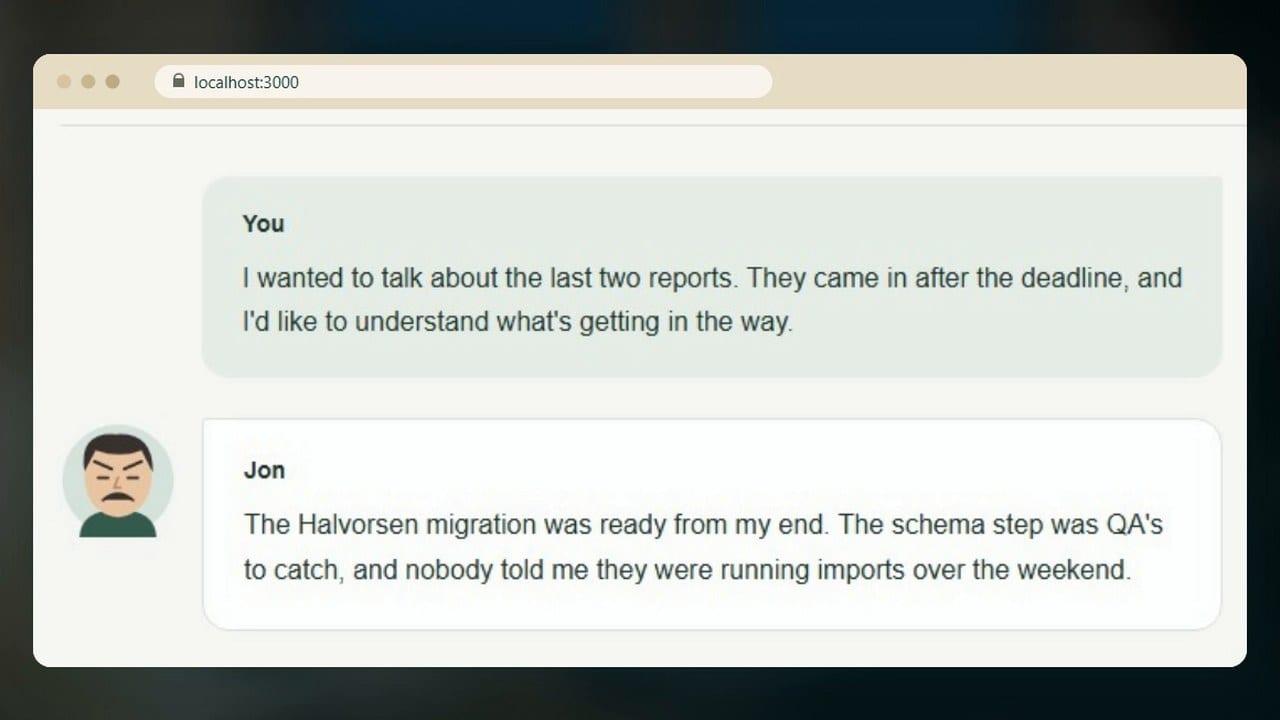
I wanted to talk about the last two reports. They came in after the deadline, and I'd like to understand what's getting in the way.
The Halvorsen migration was ready from my end. The schema step was QA's to catch, and nobody told me they were running imports over the weekend.
You answer, and Jon answers in character.
Turn 1: Guarded · Turn 2: Defensive · Turn 3: Steadying
Faces show the characters’ simulated responses in this scene. They are never a reading of you.
Jon’s mood carries from turn to turn. His face follows it.
With every reply: its safety status and a receipt. 3¢ per text turn.
What you just did.
A practice room in your own app, one call a turn.
A character with a mood of his own, and a face that follows it.
Next: close the session and read the debrief. Then pick your room and your cast.
The Conversations API
By ForeverLearning
Every reply on screen is real.
Try it yourself today.
developers.foreverlearning.ai
Music: "Angel Share" by Kevin MacLeod (incompetech.com) · CC BY 4.0 License
2:11Put conversation practice inside your product.
 Side by side1:11
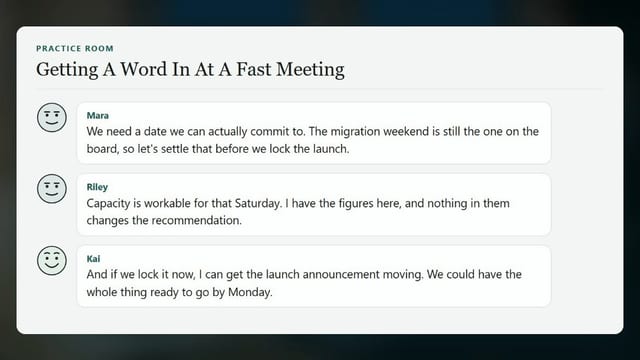
Everyone in the room answers for themselves.
 2:26
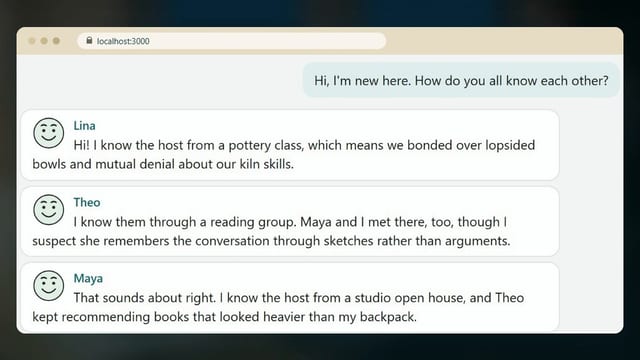
Choose the room and the people in it.
One API call away.
Start building